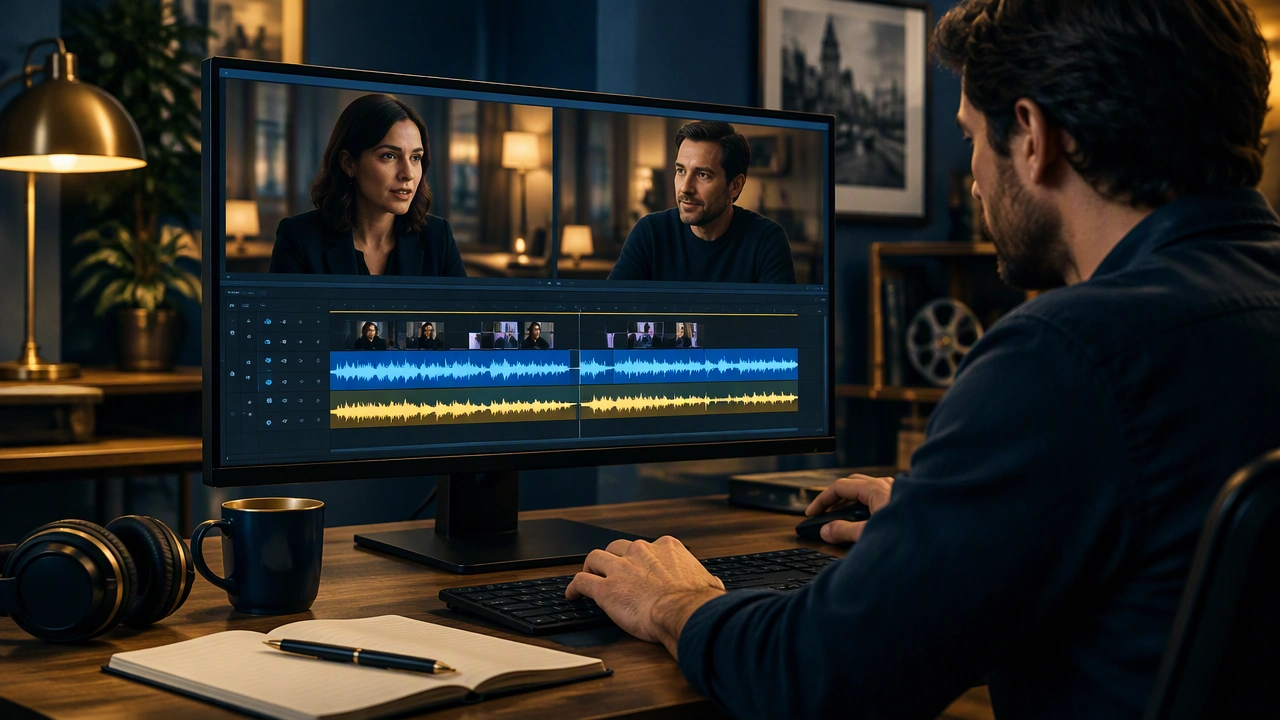
A Practical Dialogue Editing Workflow for Clean Conversation

In film editing, dialogue carries much of the story. A line can be perfectly recorded yet still feel distant, rushed, or uneven because the spaces around it were not shaped. A careful dialogue editing workflow for clean conversation gives every word room to land while keeping the scene natural.
Start with a clean foundation
Before changing levels, listen to the raw material from beginning to end. Note room tone, clothing movement, chair squeaks, page turns, traffic, hum, and edits that call attention to themselves. Mark moments where a breath, a lip smack, or a pause changes the meaning of the line.
Work from the highest-quality source available. Keep original files untouched, create a working copy, and use clear track names such as Dialogue A, Dialogue B, Wild Lines, and Room Tone. Save versions at meaningful milestones so you can compare decisions without guessing.
Build a quiet bed
Remove steady problems first. Broadband noise reduction can reduce hiss, while a targeted filter can tame electrical hum. Apply these tools gently and listen for the metallic, watery artifacts that appear when reduction is too aggressive. The goal is not silence; it is a consistent background that supports the voices.
Record or collect room tone from the scene and place it under cuts. When a line is interrupted by noise, repair only the damaged section. Short, focused corrections are easier to trust than a heavy effect stretched across the entire track.
Clean the speech without flattening it
Dialogue editing is mostly decisions about what to keep. Remove distracting sounds between words, but preserve breaths that maintain rhythm. A breath can connect a thought to its answer; removing every inhale makes performers sound mechanical.
Use a high-pass filter to reduce low rumble when it does not thin the voice. Check the low end on good speakers or headphones, because a filter that sounds clean in one room may make a warm voice sound thin in another.
Repair individual moments
For clicks, plosives, and short spikes, use clip gain or a small volume envelope rather than reaching for compression. For repeated words, decide whether the stumble adds character. If it does not, choose the cleanest take and join it with a short crossfade.
When a line contains a difficult word, compare nearby takes. Sometimes the clearest version is a combination of two takes, but only use that approach when the room tone, distance, and breath match. A perfect word from a different mic position can break the scene.
Smooth the edits so the conversation feels continuous
Listen for edits at conversational joints: the end of an answer, the start of a question, and pauses where a character is thinking. A cut that is technically clean can still feel wrong if it removes the natural turn-taking space.
Shape each transition with micro-fades and room tone. Keep the tail of the outgoing line long enough to avoid a clipped consonant, and let the incoming line begin with a small pocket of air. If the room changes slightly between takes, use a gentle crossfade or a short ambience bed to bridge the difference.
Match performance energy
Two takes can be clean yet feel like different scenes. Compare intensity, pace, and distance. A whispered answer may need to sit closer to the preceding line, while a shouted line may need more space before the reply. Use clip gain to make these adjustments before any bus processing.
Balance the voices for clarity
Set a stable dialogue level first. Aim for consistency rather than maximum loudness. A useful approach is to balance the quietest important line and the loudest important line, then check how they sit against music and effects.
Automate the conversation in sections. When two voices overlap, decide which line carries the story and give it priority. Lower the supporting line slightly, then return it to its natural level when the focus shifts. This keeps the scene intelligible without making every word compete.
Use compression with restraint
Compression can reduce the gap between a soft answer and a strong statement, but heavy settings can also bring up room noise and flatten performance. Start with a slow attack and a modest ratio, then automate obvious peaks before the compressor sees them. The ear responds to relationships, so the balance should still feel human after processing.
Check the scene in context
Listen to the full scene without stopping at each edit. Play it at the intended viewing level, then check it again on headphones and on a smaller speaker. Notice where you have to work to understand a line, where the room suddenly changes, and where a pause feels too tight.
Compare the dialogue with the music and effects beds. If the score masks consonants, lower the music in the frequency range where speech lives, or automate a small dip under important lines. If effects are telling the same story, let them support the dialogue rather than repeat it.
Review with fresh ears
Step away from the scene and return later. Ask a collaborator to listen without seeing the picture and point out moments that feel unclear. Their confusion is useful data, not a personal critique. Fix the smallest number of issues that will make the largest improvement.
Leave a readable session
Name tracks and clips clearly, remove unused takes from the active timeline, and keep a short note of decisions such as noise reduction settings, wild lines used, and automation passes. A clean session makes revisions faster and prevents small repairs from being undone later.
The final result should not announce its craft. The audience should simply understand who is speaking, what they mean, and how the conversation moves. When cleaning, smoothing, and balancing serve the performance, the edit disappears and the story comes forward.