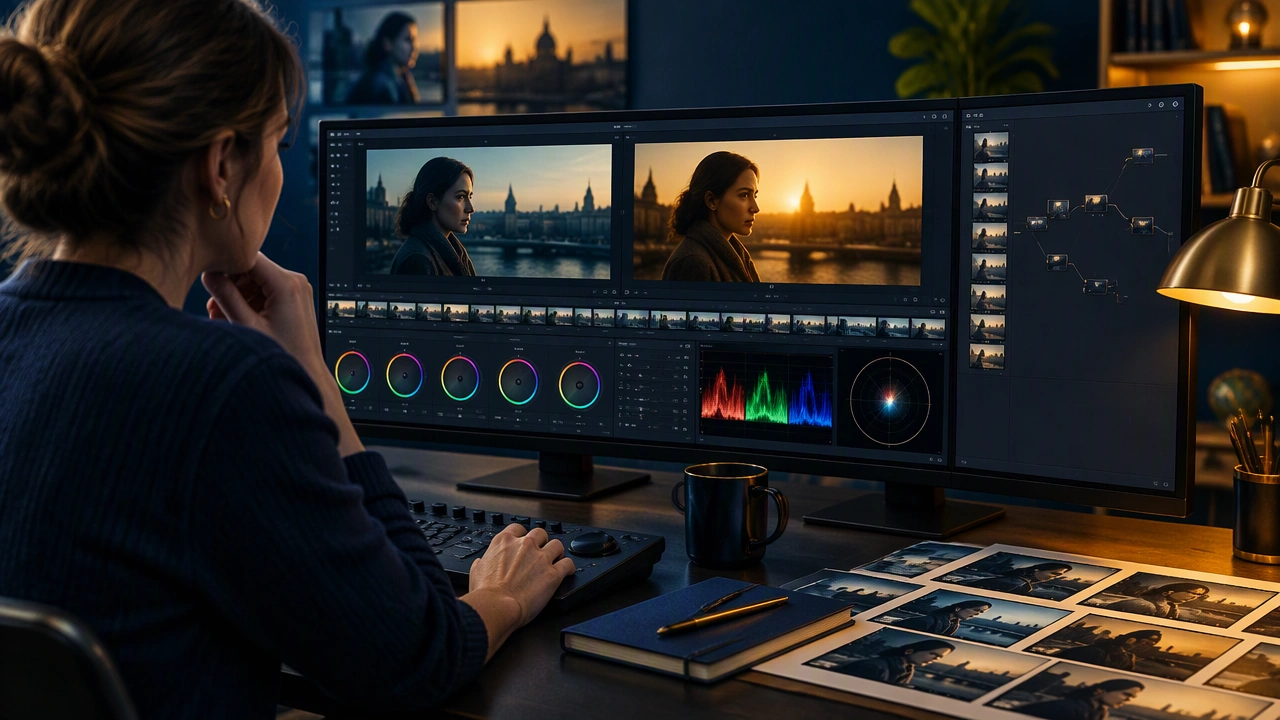
Color Correction Basics for Editors: Continuity and Mood Before the Final Grade
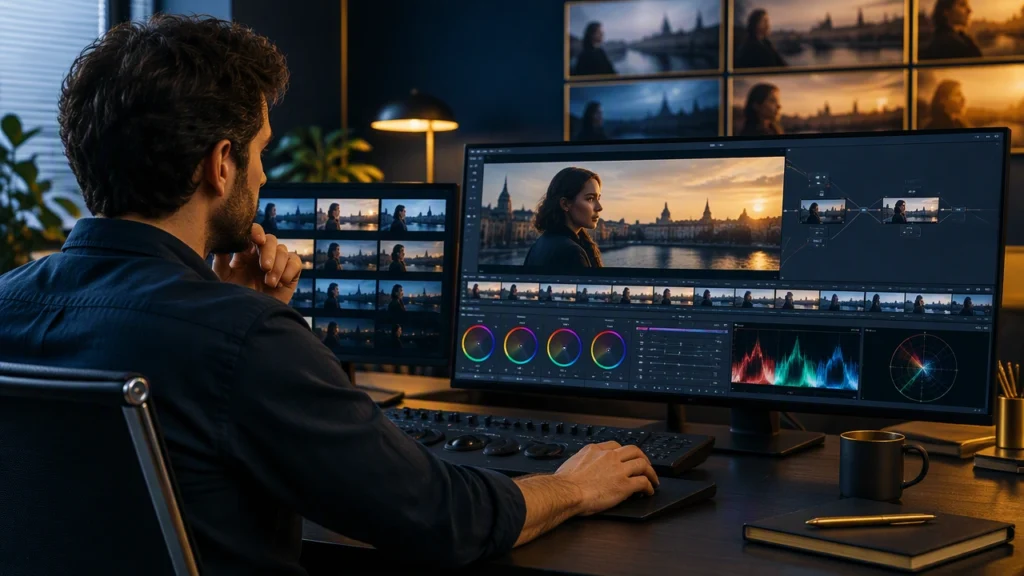
Color correction is the stage where an edit becomes watchable as a continuous sequence. Before a colorist builds a signature look, the film editing timeline needs consistent exposure, believable skin tones, and shots that feel as though they belong in the same room. For editors, learning color correction basics for video editors is less about cinematic effects and more about control: control over continuity, timing, and the emotional baseline of every scene.
What Color Correction Means in the Edit
Color correction is the corrective pass that repairs technical and continuity problems. It comes before color grading, which is the creative pass that shapes a deliberate look. Correction answers questions like: Is this shot too bright? Does the white balance match the previous angle? Has the sun moved between takes? Grading comes later and may push contrast, hue, or texture for artistic effect.
In practice, correction keeps attention on the story. A viewer should not notice a sudden exposure jump in a dialogue scene or a strange color shift when the camera changes position. When correction is handled well, the audience remains inside the performance instead of wondering why one shot looks colder than the next.
Start With a Consistent Viewing Environment
Reliable correction begins with a reliable display. Calibrate the monitor you use for editing, keep room lighting neutral and controlled, and avoid judging color on a bright screen in a dark room. If the final work will be viewed on phones, televisions, and web players, check the timeline on more than one display during the process.
Also confirm that your sequence settings, working color space, and output format are intentional. Mismatched color space assumptions can make footage appear washed out, overly saturated, or clipped. A short technical check at the start saves time later, especially when clips come from multiple cameras or mixed lighting conditions.
Build a Correction Order
Work in a deliberate order so each adjustment supports the next. A practical sequence is:
- Balance exposure: Set the overall brightness so faces, backgrounds, and highlights sit in a believable range.
- Balance color temperature: Remove unwanted warm or cool casts so the shot fits its scene.
- Match neighboring shots: Compare the current clip with the shots before and after it.
- Refine contrast: Protect shadow detail and highlight detail without crushing or clipping important information.
- Check continuity again: Review the scene at normal speed, not only frame by frame.
This order prevents small problems from becoming large ones. For example, matching a shot before correcting a strong color cast often creates a false match that falls apart when the scene plays continuously.
Match Shots for Continuity
Continuity is the heart of correction in narrative work. Two angles of the same conversation should share a common visual language even if they were filmed minutes apart. Start by comparing skin tones, because viewers are highly sensitive to changes in faces. Then compare neutral surfaces such as walls, clothing, and sky. If one shot feels greener, more magenta, warmer, or cooler than its neighbor, adjust it before moving on.
Use still frames or split-screen comparisons when possible. Freeze a frame from the incoming shot, place it beside the outgoing shot, and look for differences in brightness, contrast, and hue. The goal is not to make every shot identical; it is to make the transition feel intentional and invisible.
Shape Mood Without Overcorrecting
Correction also prepares mood. A scene can feel safer, colder, more intimate, or more tense through subtle choices in contrast and color. Warm light may suggest comfort or memory, while cooler light can create distance or unease. However, mood should emerge from the story, not from an effect that calls attention to itself.
Keep emotional adjustments restrained during correction. If a scene needs a stronger creative treatment, leave notes or create a separate grade pass later. The corrective stage should preserve the director’s performance and the editor’s rhythm, giving the final grade a clean foundation instead of a stack of conflicting fixes.
Handle Common Problems Calmly
Clips often arrive with practical issues. Mixed lighting can make one camera appear yellow and another blue. Handheld shots may drift in exposure. A cloudy exterior can change brightness between takes. Treat these as continuity tasks rather than isolated problems.
For mixed cameras, establish a reference shot that represents the scene’s intended exposure and balance. Match other clips to that reference, then review the sequence as a whole. For changing daylight, decide whether the shift supports the story or distracts from it. If it distracts, correct the outliers gently. If it supports the passage of time, preserve the change and make sure it progresses smoothly.
Use Node or Layer Discipline
Whether you work in a node-based or layer-based tool, keep the correction stack organized. Separate broad fixes from fine adjustments. A clean structure might include one stage for exposure and white balance, another for shot matching, and a reserved stage for creative grading. Labeling the stages makes collaboration easier and prevents accidental changes from being buried under later effects.
Keep the strongest adjustments early in the chain. Correct the image before adding curves, looks, or textures. This approach keeps the signal clean and makes it easier to troubleshoot a scene when the client requests a different direction.
Review at Speed, Then in Detail
Correction should be judged in motion. Play the scene at normal speed and watch for flashes, jumps, or color changes at edit points. Then inspect individual frames for clipped highlights, blocked shadows, and unnatural skin tones. Both reviews matter: frame-level accuracy supports scene-level smoothness.
Pay special attention to cuts on action, dialogue reversals, and inserts. These transitions are where continuity errors become visible. A small mismatch that seems harmless in isolation may feel like a mistake when the audience is following a fast exchange.
Prepare a Clean Handoff to the Final Grade
Before locking the edit, document the choices that matter. Note any shots with special conditions, such as green-screen composites, archival footage, or difficult mixed lighting. Confirm that correction decisions are consistent across scenes and that no temporary fixes remain in the timeline.
The final grade can then focus on expression rather than repair. By mastering color correction basics for video editors, you give the film a stable visual foundation: continuity that supports the cut, mood that grows from the story, and a cleaner path to the finishing stage.